Whether you’re looking to improve your financial planning or get ready for taxes, knowing how much you make is critical as a freelancer. I’m excited to share a new feature for Tracker and Pro users: a revenue-tracking dashboard.
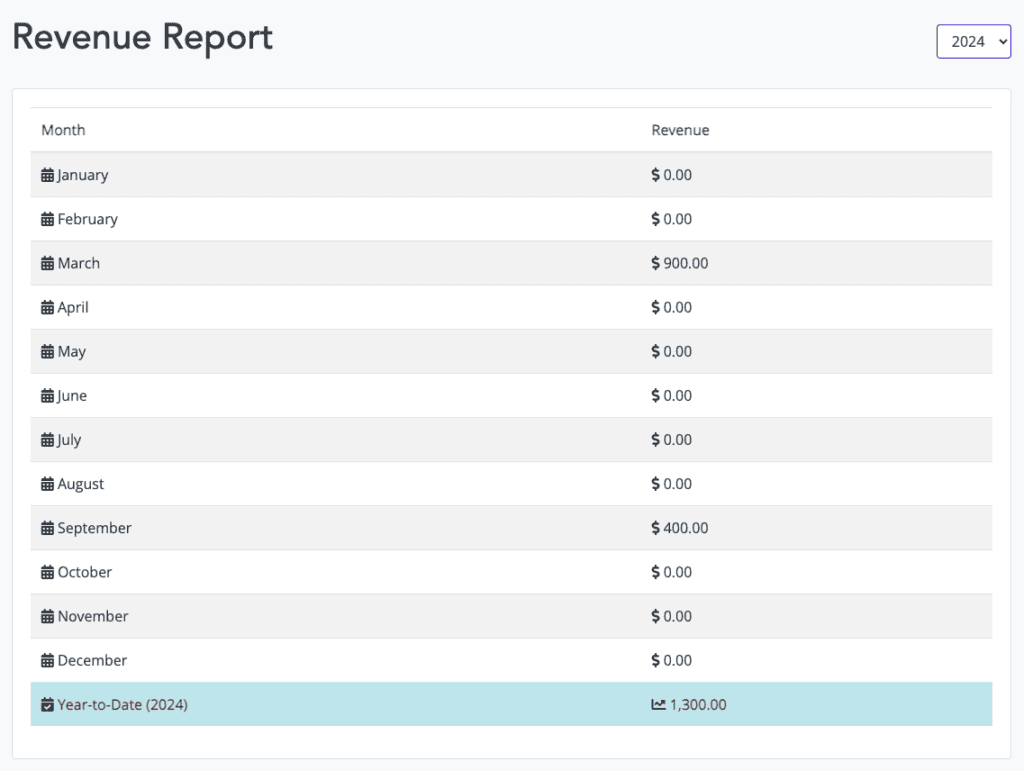
When you click on the “Financial” tab, you’ll see a simple revenue report telling you how much you earned every month based on what you submitted. There’s a box at the top to choose the year. It’s simple and helpful, a top goal for freelancers. You don’t need an MBA or accounting degree to understand the results.
In the future, this will grow to show more details for clients, invoices, and assignments. But for now, I’m excited to share that this new tool is available and ready to use. I’ve already started checking in on it daily to know where I’m at for the month and year-to-date.
If you’re logged in, click here to see your freelancer revenue report. If you’re not already a part of our community, join today for free and get access to all features for five weeks. Client and assignment tracking are always free.
Get your free freelancer invoice template pack
Plus weekly tips on managing clients, getting paid, and growing your freelance business.
No spam — we respect your inbox. Unsubscribe anytime.