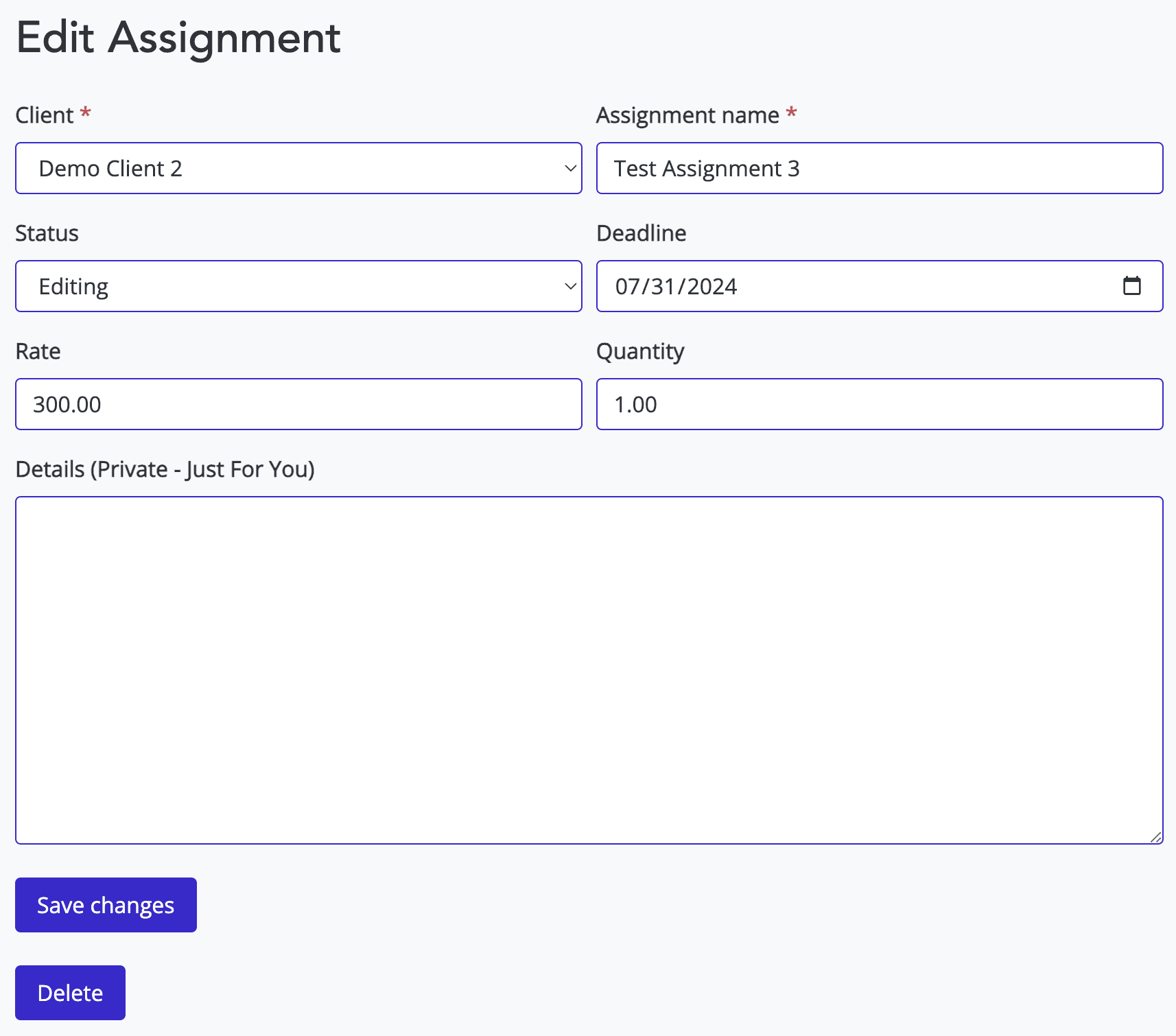
Editing an assignment is a core part of assignment management. When an assignment moves through your work queue, you may want to edit the assignment status or mark it as completed. You can also add notes, adjust due dates, or change the rate to ensure your invoice and tracking dashboard is accurate.
The rate and quantity are used to calculate the amount to bill on the invoice. If you work hourly or per word, for example, you can use that for the rate and quantity. If you’re paid a flat rate per project or assignment, leave the quantity as 1. You can also delete an assignment using the button at the bottom of the page.
Deadlines and status are important, and they help create your daily email and update your main dashboard, helping you prioritize your work and ensure you don’t miss a deadline.
Get your free freelancer invoice template pack #
Plus weekly tips on managing clients, getting paid, and growing your freelance business.
No spam — we respect your inbox. Unsubscribe anytime.